Writing and executing Python programs Hello World
The first step in learning the Python programming language from basic to advanced is for a beginner Python user or programmer to learn how to write and run a simple Python program code in an IDE or interpreter. Traditionally, the first Python program is known as “Hello, World,” because it displays a simple greeting program output text message on the user console (IDE) screen.
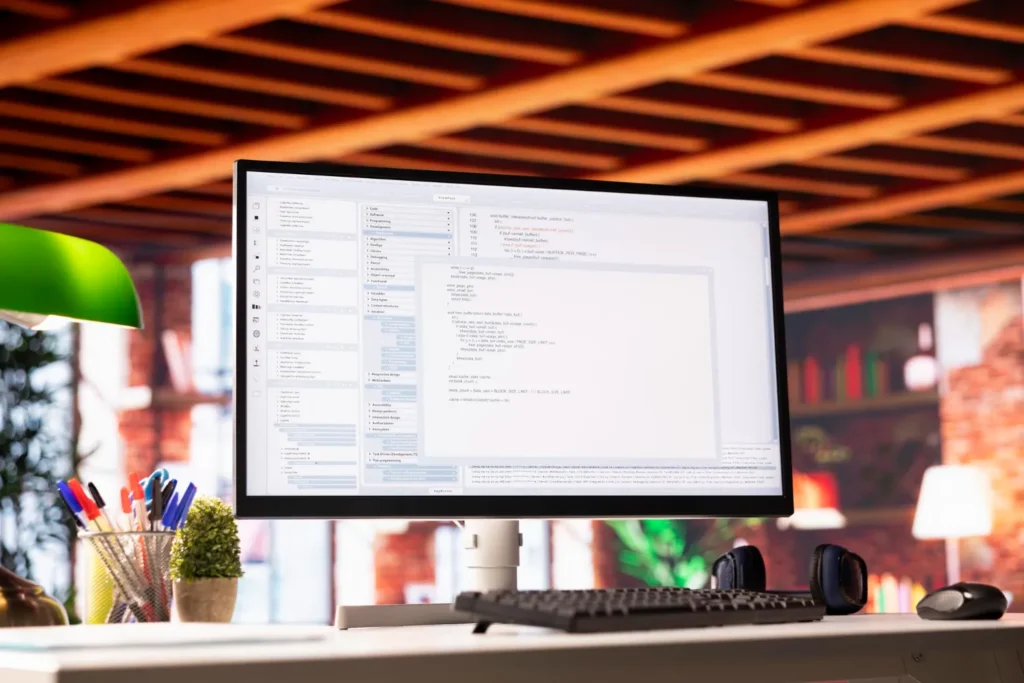
Writing the First Python Program in the IDE.
A simple Python program is simply a detailed instruction set of program source code written following Python programming syntax rules and methods.
For example.
print(“Hi Welcome to the Hello, World Program.”)
Here, print() in a Python program is a built-in Python text statement output function. The print() function is used to display program output text information on the console terminal screen.
- Print → Here, the print function forces the Python program to display the text or statement written in the print function on the console screen.
- “Hi Welcome to the Hello, World Program” → This is the text and information in the print function that the Python user wants to display on the console screen.
- Print → Quotation marks at the beginning and end of the text written in the print statement indicate that the user-defined content is in a string (text) format.
Saving the first Python program to a secondary storage location.
Remember, every Python program is typically saved to disk with the .py file extension.
For example.
firstprogram.py
Here, the .py extension indicates to your computer that the current file contains Python program source code.
Executing your Python program source code.
Python programmers can follow several methods to execute the Python program source code they have written.
Method 1: Using IDE software.
First, open one of the Python IDEs installed on your computer, such as IDLE, PyCharm, or Visual Studio Code, and create a new Python file and press the Enter button.
print(“Hi World, Welcome to Python”)
Now save this file to your disk storage location as.
firstprog.py
Then click the Run option menu in the IDE.
You will see the first program output.
Hi World, Welcome to Python
Method 2: Using a command prompt or terminal window.
Open the Terminal application window installed on your computer (Windows, Mac, or Linux) and go to the folder where the firstprog.py program file is saved.
Then type.
python firstprog.py
On some other OS systems, use this.
python3 firstprog.py
You will see the first program output.
Hi World, Welcome to Python
Using the interactive shell in Python programming.
Python also provides its users with an interactive shell, in which Python users can immediately run or execute any command.
Open a terminal on your system and type
python
then press Enter.
print(“Hi World, Welcome to Python”)
Python programming displays it immediately in the interactive shell.
Hi World, Welcome to Python
To exit the interactive shell used in Python, you can use the exit() function.
How Python executes a program.
When Python programmers execute a program.
print(“Hi World, Welcome to Python”)
The Python program then reads those program source code instructions and calls the print() function in the program. This sends the text statements specified in the function to the standard output window, which is typically a terminal, console screen, or the root terminal window.
The basic Python program execution process.
Write your program source code → Save the file with a .py extension → Run the Python interpreter → Finally, get the output of your program.
So, let’s look at another simple Python program example.
Python users can also print multiple text statement lines simultaneously in their Python programs.
print(“Let’s start with the world’s best language.”)
print(“Python understanding is so easy.”)
print(“Let’s start coding with Python programming.”)
Output of the final multiple program statements.
Let’s start with the world’s best language.
Python understanding is so easy.
Let’s start coding with python programming.
The Importance of the “Hi World, Welcome to Python” Program.
“Hi World, Welcome to Python” is an easy, basic program in Python, but it’s useful for beginners because it helps new Python users better understand Python programming.
- It allows you to check whether the Python software is installed in the proper order on your computer.
- It helps new Python users understand the basic Python syntax structure.
- They can better understand the multi-use print() function in Python.
- It helps new users learn to create and save a new file in Python.
- New users can learn to run Python programs.
- New users can better understand the direct relationship and connection between Python program source code and output.
Conclusion of Writing and Executing Python Programs.
- A new Python user might write a basic, simple Python program like this.
- print(“Hi World, Welcome to python”)
- After saving it as firstprog.py, it can be run using an IDE installed on your computer or a terminal window.
- The result is.
- Hi World, Welcome to python
- This is a common program written when learning the Python programming language, and it provides a detailed introduction to new Python program programmers on how to write Python program source code, save it, and run it.